Your customer paid.
Your software nudged them anyway.
An unexpected payment email puts you in an awkward conversation you didn’t choose.
With ClearLien, customer contact is always your decision.
Stop piecing together spreadsheets, payment receipts, and old messages. See what’s outstanding, keep track of promises to pay, and follow up on your terms.
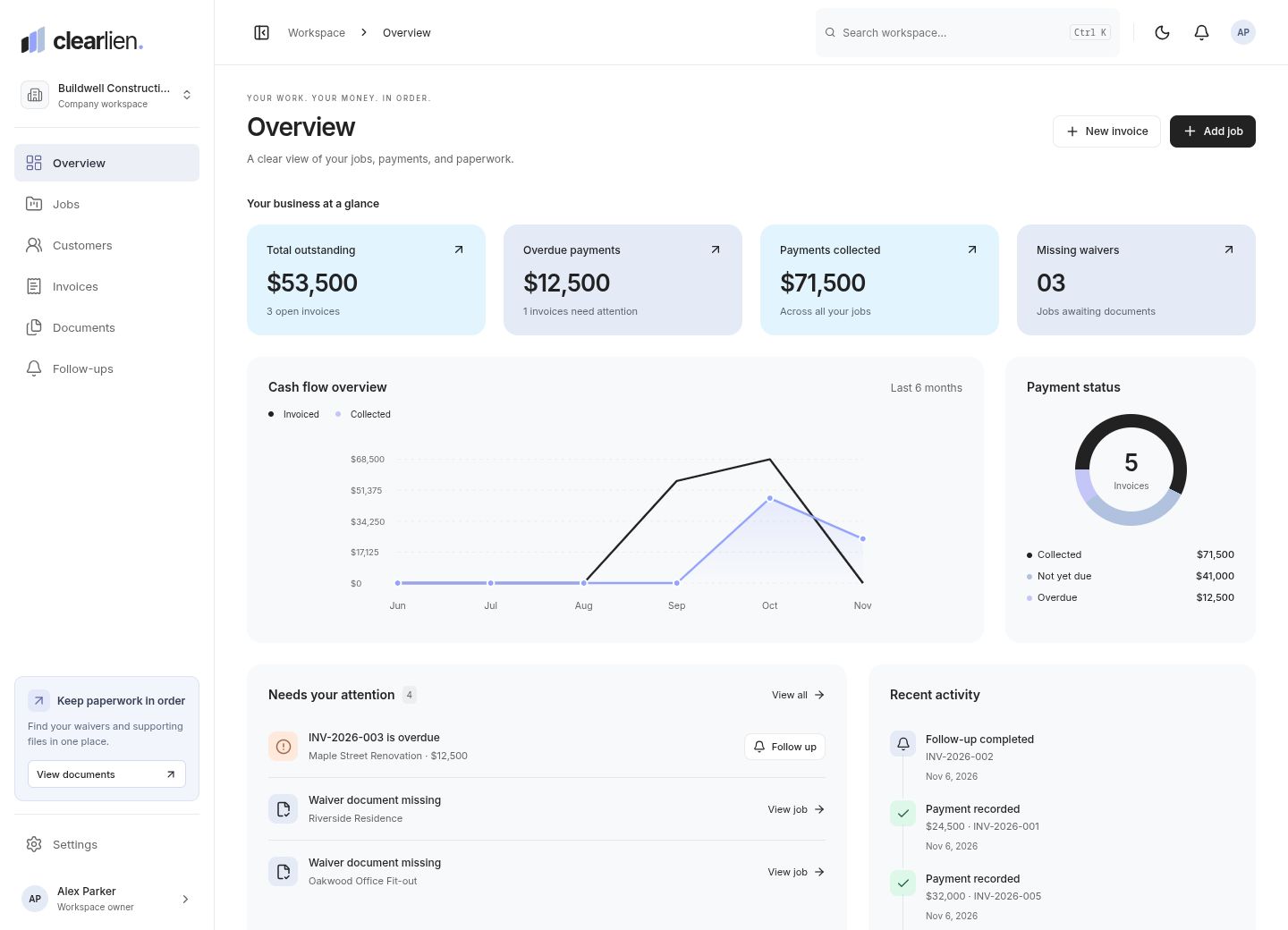
The actual ClearLien dashboard, shown with sample business records.
For the people doing the work.
Small business tools should take work off your plate. Especially these parts.
An unexpected payment email puts you in an awkward conversation you didn’t choose.
Payments arrive in pieces. Receipts and spreadsheets don’t always tell the same story.
Learning a full business suite is a lot to take on when you just need to know who owes you.
ClearLien keeps the balance, the paperwork, and the next conversation connected to the job. Here’s what that changes in your workday.
Record a deposit or partial payment and the remaining balance updates. See what’s been paid and what’s still due, without redoing the math in a spreadsheet.
Kitchen renovation
Keep “I’ll pay Friday” beside the invoice. Set your own follow-up date and save the last conversation, so you know when to check in and what to say.
Invoice INV-0042
The signed contract, deposit receipt, and job photos stay with the work. Find the record you need without digging through email attachments and folders.
Bring invoices in by CSV, match your columns and jobs, and review every row before saving. Export your payment history, notes, and original documents whenever you need them.
Keep your tools simple and your customer relationships personal.
ClearLien never sends payment nudges to your customers. It reminds you inside your workspace. Copy a message if it helps, then review and send it yourself.
Start with one job and one invoice. No bank connection, payroll setup, or accounting migration. Customer email and waiver tracking are optional.
Correct an unpaid invoice or void a mistaken payment with a reason. The original payment stays in your history, and the balance reflects the correction.
A customer, a job name, and the amount agreed. Give the work a home.
Add invoices and record payments as they arrive. See what’s still outstanding.
Save the paperwork, note a promised payment, and plan your follow-up.
Clear answers, before you get started.
Void the incorrect entry with a reason, then record the correct payment. The original stays in your history. Invoice balances and customer totals update to reflect active payments. This corrects your records; it does not refund or move money.
Small service businesses that invoice customers for jobs: contractors, home service teams, studios, and consultants. Keep jobs, payment records, documents, and follow-ups together.
No. Follow-ups are private tasks for you. You can copy a payment message, review it, and send it yourself through your usual email or messaging app. You stay in control of every customer conversation.
Yes. Record each payment against an invoice and see the remaining balance. If you enter a payment incorrectly, you can void it with a reason while keeping the original in your history. ClearLien records payments; it does not move money.
No. Use ClearLien to stay on top of jobs and outstanding payments. It does not handle payroll, tax filing, or bank reconciliation. You can export records for your bookkeeper or accountant.
Yes. Add your jobs, upload a CSV, match the columns and job names, then review the rows before importing. Existing invoices are kept, and duplicate invoice numbers are flagged.
Yes. Export jobs, invoices, payments, follow-ups, and document details as CSV, or download all records as JSON. You can also download a ZIP with your records and original documents, up to 100 MB per archive.
No. Waiver tracking is optional for each job. You can also keep contracts, receipts, invoices, and supporting photos. Storing a document does not verify its legal validity.
See the balance. Keep the promise. Make the next move.
Get started with ClearLien